Create Physical Inventory Document
.
Procedure:
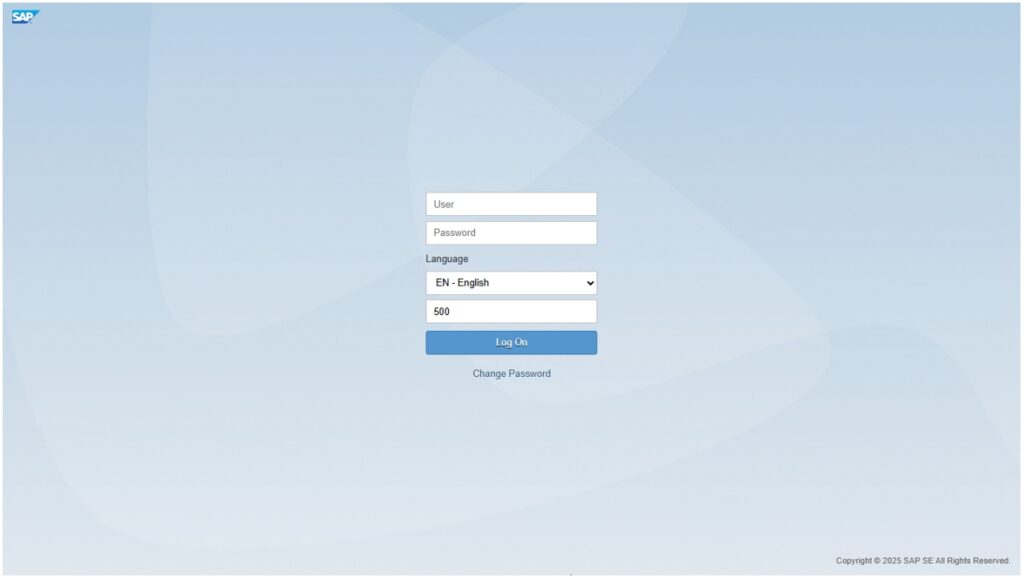
Open the Fiori Launchpad and login using your Username and Password.
.
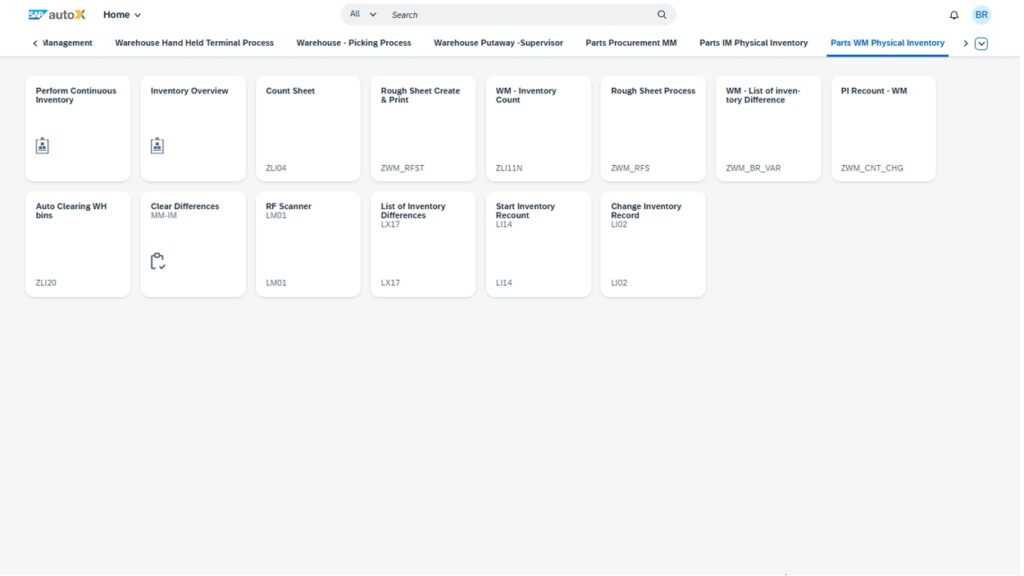
.
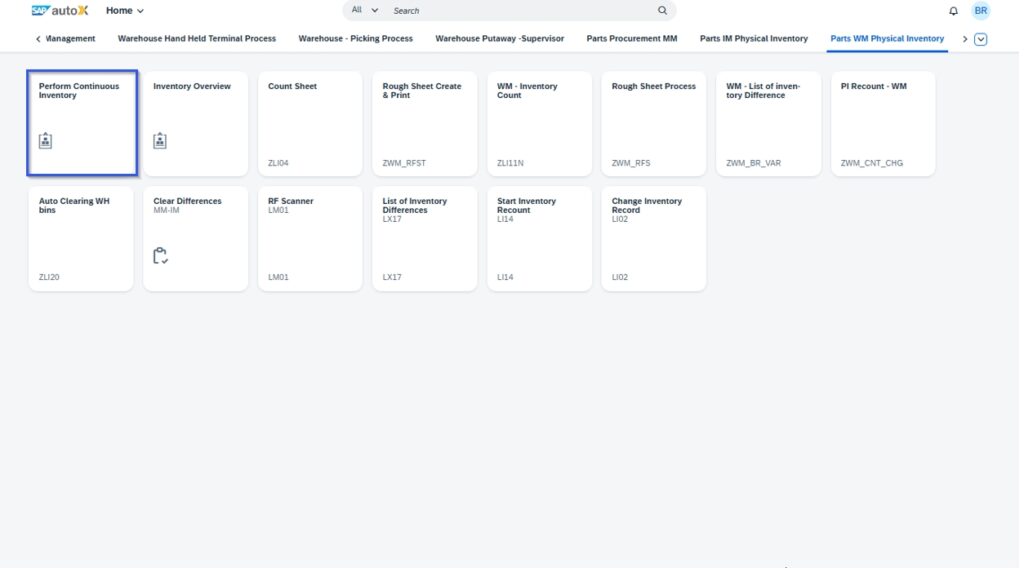
- Click on Perform continuous inventory as shown below
.
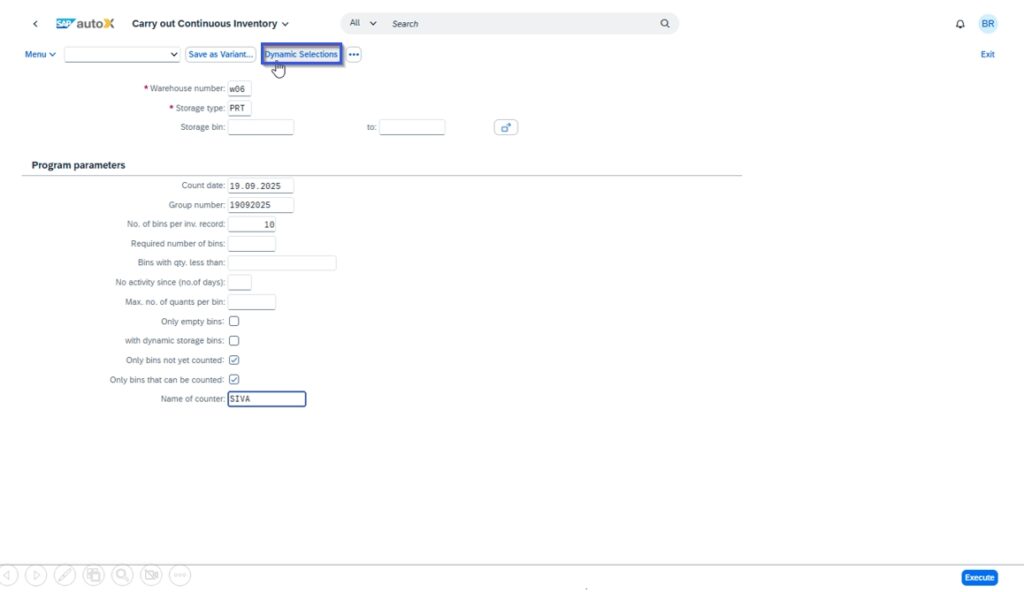
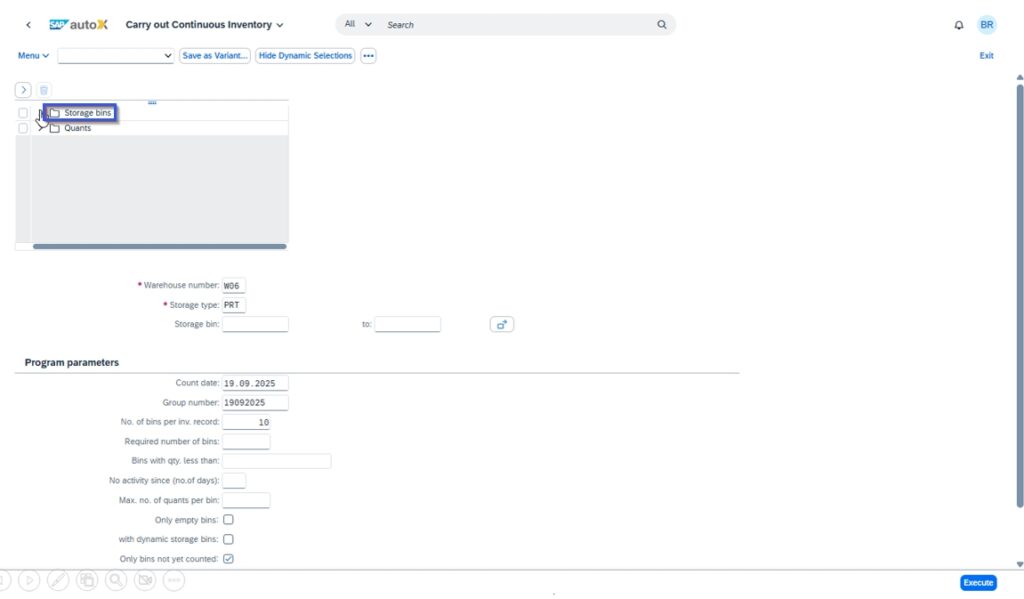
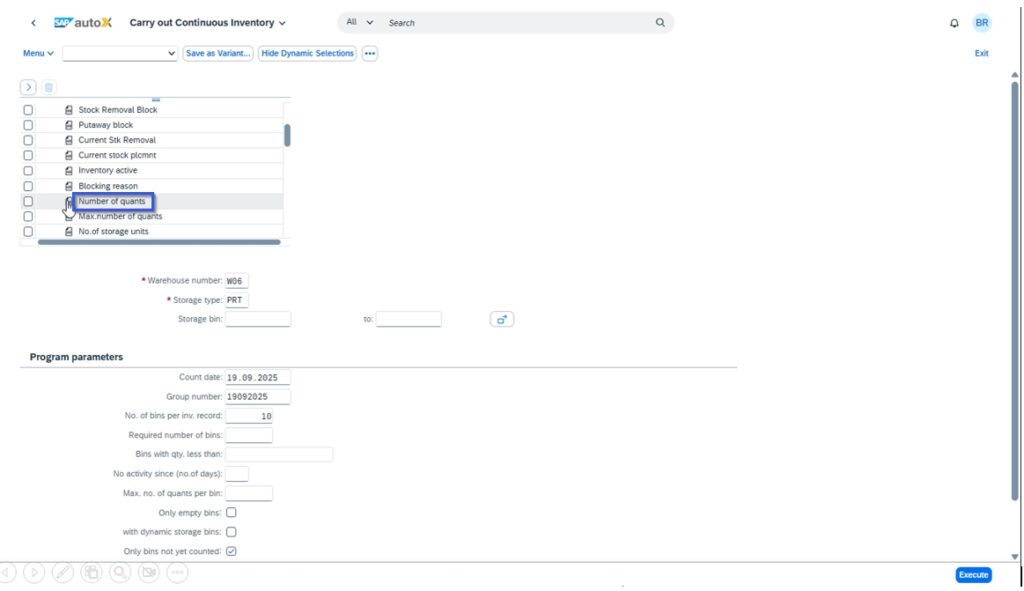
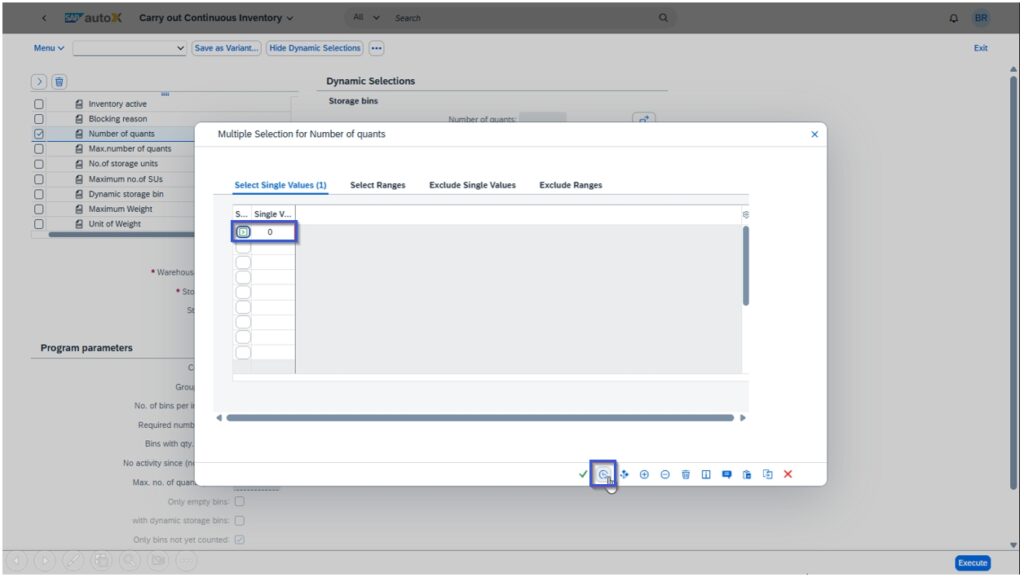
- Select the Dynamic > Storage bins> Number of Quants (Enter the Greater than ‘0’)
.
| Field Name | Required (R)/ Optional (O) | User Action and Values |
| Warehouse number | R | W06 |
| Storage Type | R | Type of Storage (P001, RS1….) |
| Group Number | O | Ref number |
| Max. no. of quants per bin | O | The maximum number of quants that may be stored in a storage bin to be selected |
.
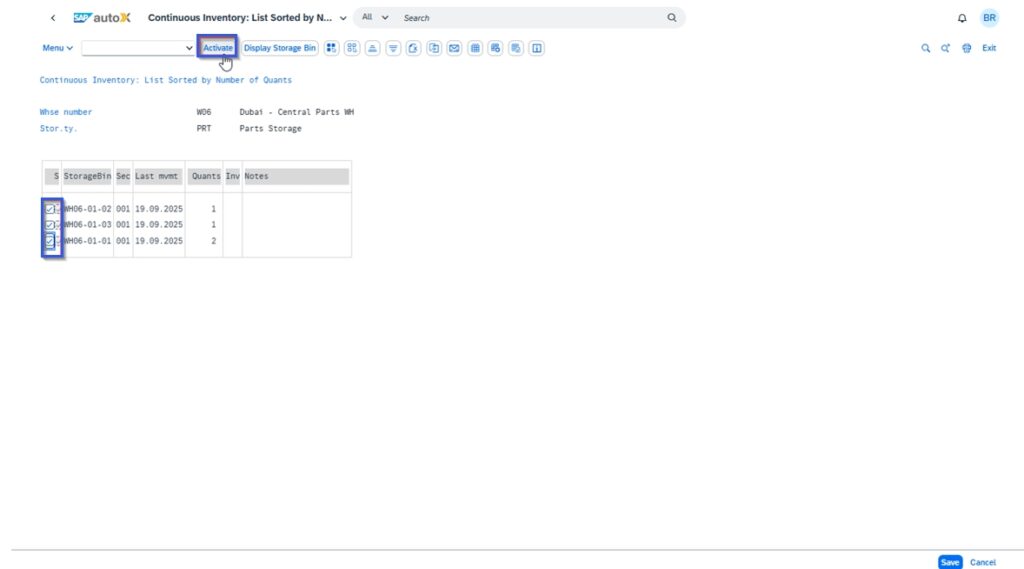
- Select the bins and click on Activate then Document will be generated.
.
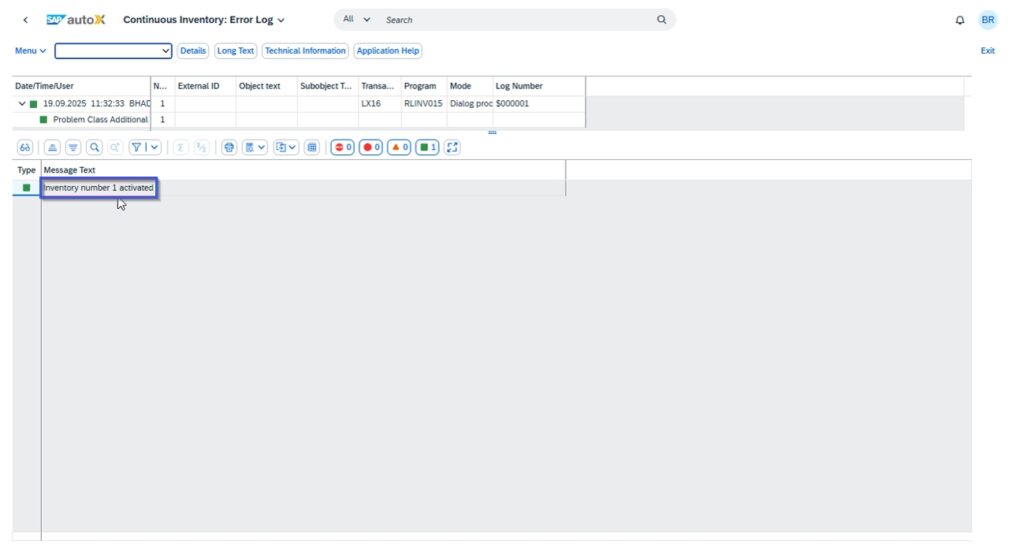
- Physical Inventory Documented is Created As shown Below.